 MyFabmesh.AI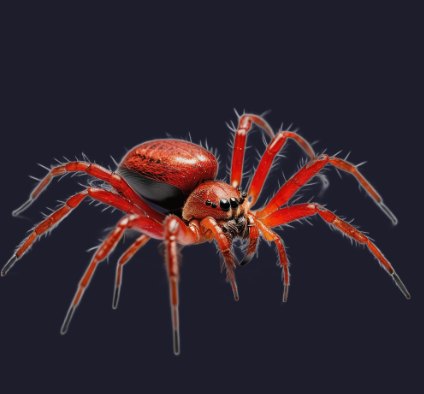
Image
Write a prompt or import a picture, then refine it with the image tools.
Describe an idea or drop a picture: get a textured 3D model, then rig and animate it. Everything stays editable, so you fix a detail instead of starting over.
Free credits on sign-up · Windows app free during the beta
From idea to animated model in four steps. Edit each result in its 2D or 3D viewer and redo only what you need.
Write a prompt or import a picture, then refine it with the image tools.
 Loading 3D…
 Loading 3D…
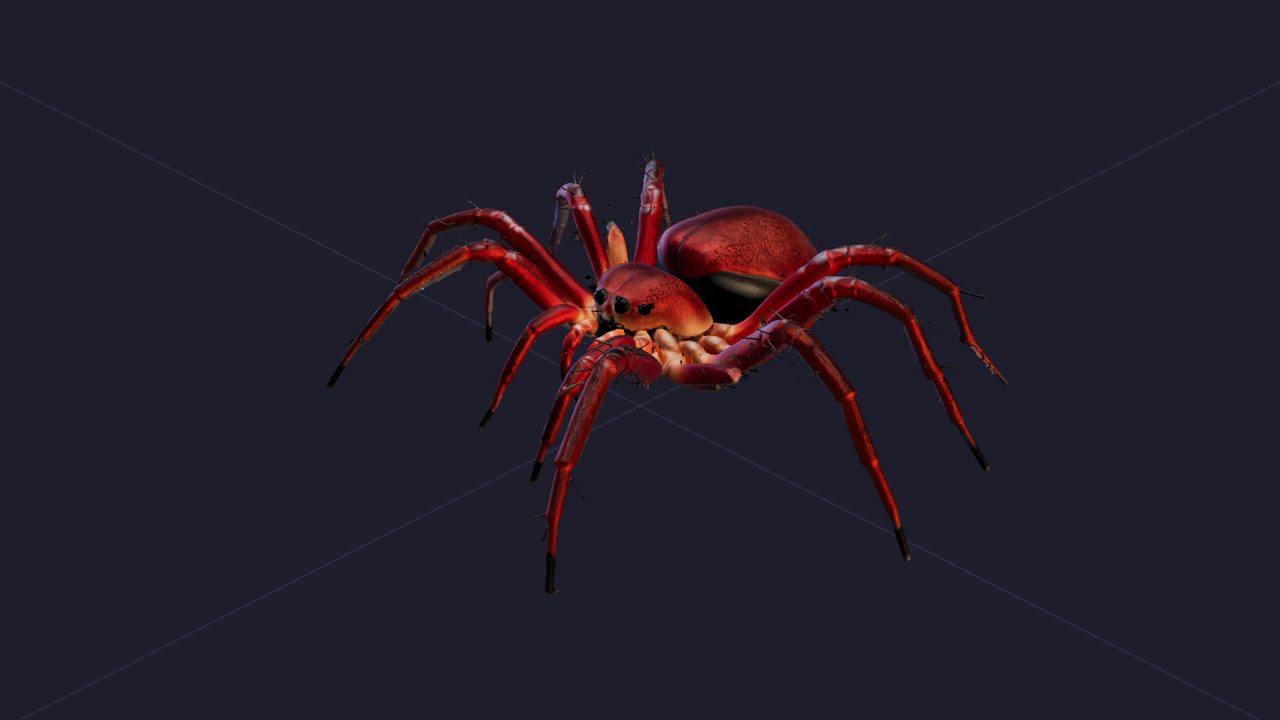
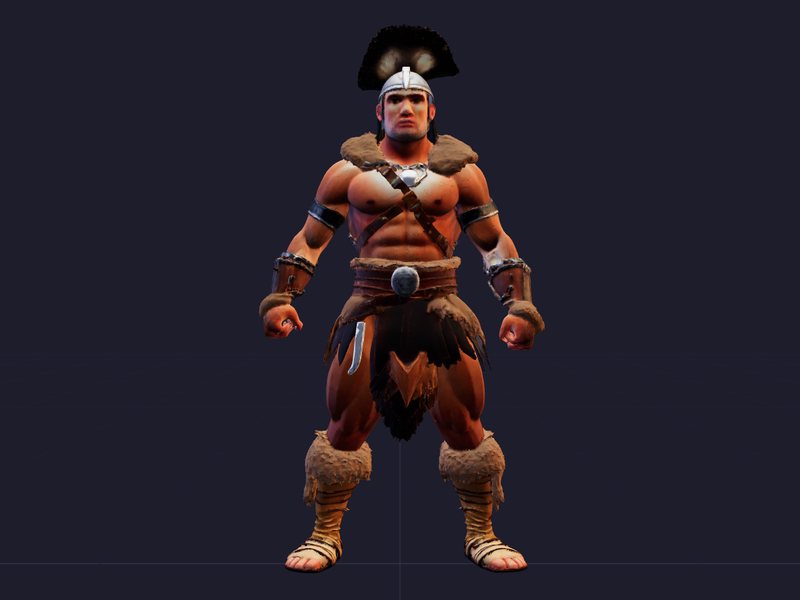
One click turns the image into a textured model, up to 8K textures and 10 million triangles.
 Loading 3D…
 Loading 3D…
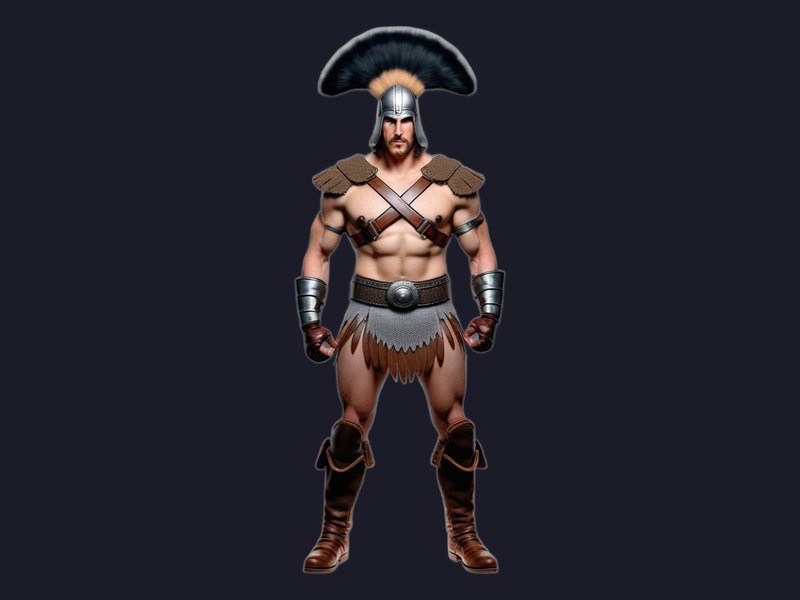
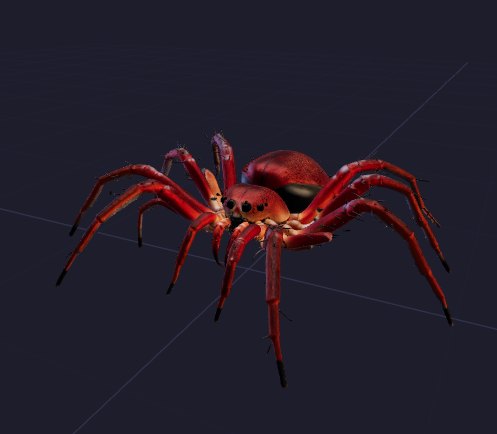
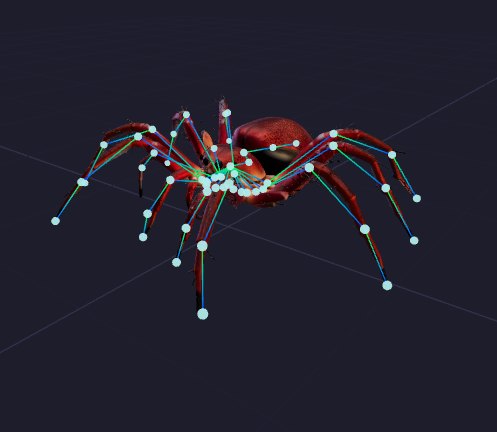
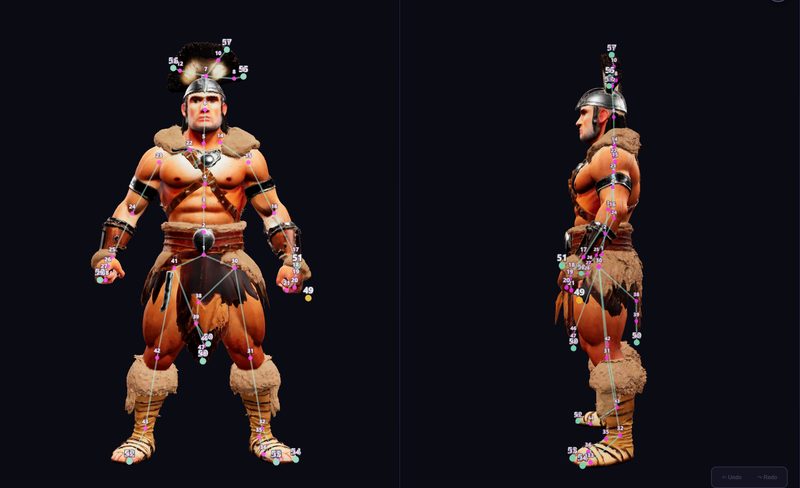
An automatic skeleton for any body, not just humans: animals, insects, creatures. Adjustable point by point.
 Loading 3D…Loading 3D…
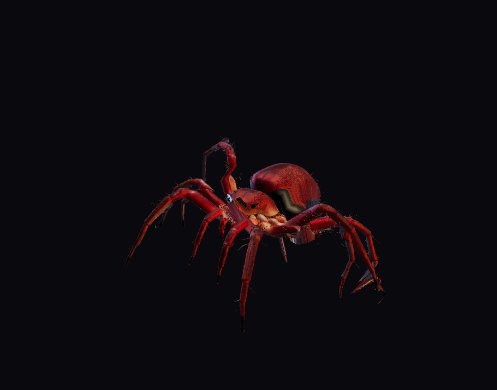
Idle, walk, run, attack and other clips.
Steps 2 to 4 are live 3D viewers: drag to rotate, scroll to zoom. Models are reduced to about 400,000 triangles for display; the app exports the full model.
Edit anything you generate. Fix a detail right in the 2D or 3D viewer instead of starting over.
AI tools do the work for you; manual tools give you full control.
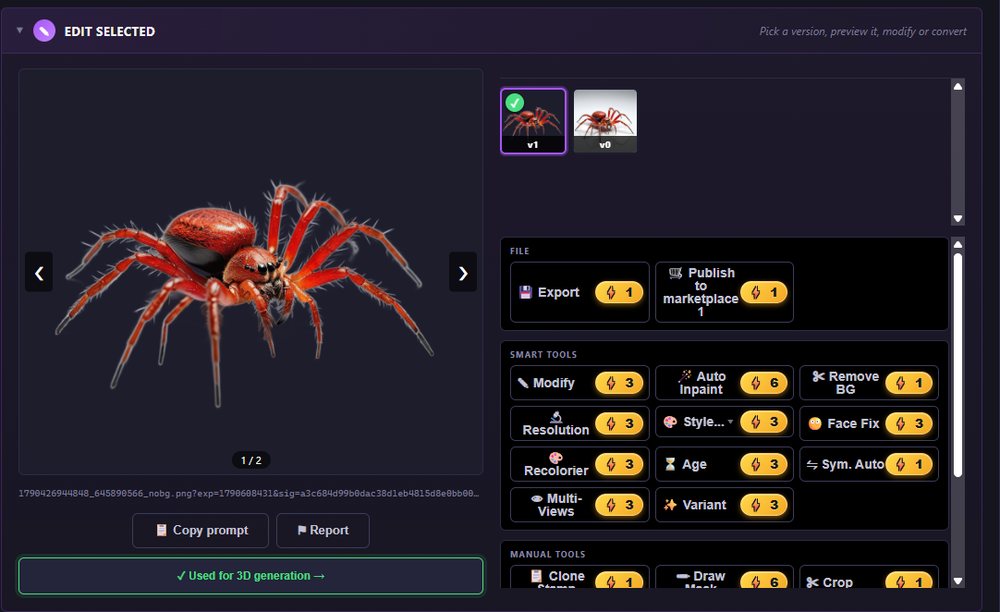
Let the AI repaint, restyle or clean the picture, or retouch it yourself with brush, mask and clone.
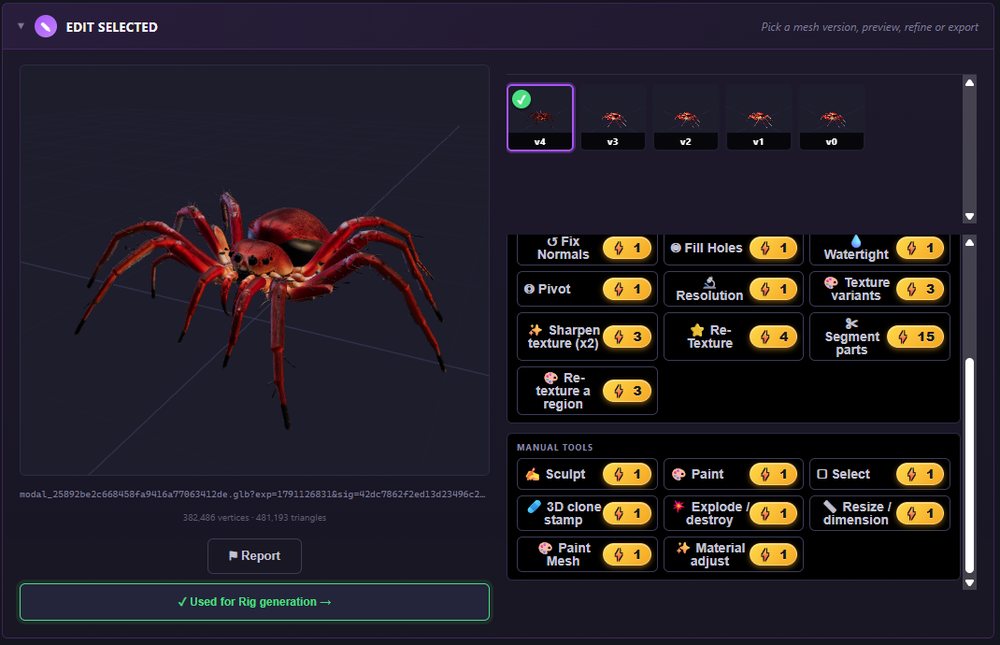
AI re-texturing and part detection, automatic repairs, and hands-on sculpting, painting and cloning on the surface.
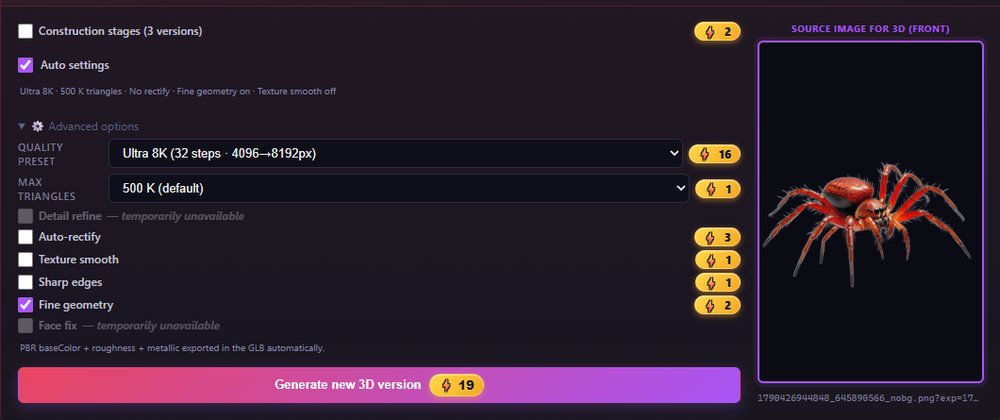
Auto settings picks the quality and triangle count for your subject. You can still set every option yourself, with its price shown.
Built automatically. Move, add or remove points in the front and side views, then rebuild the rig around your changes.
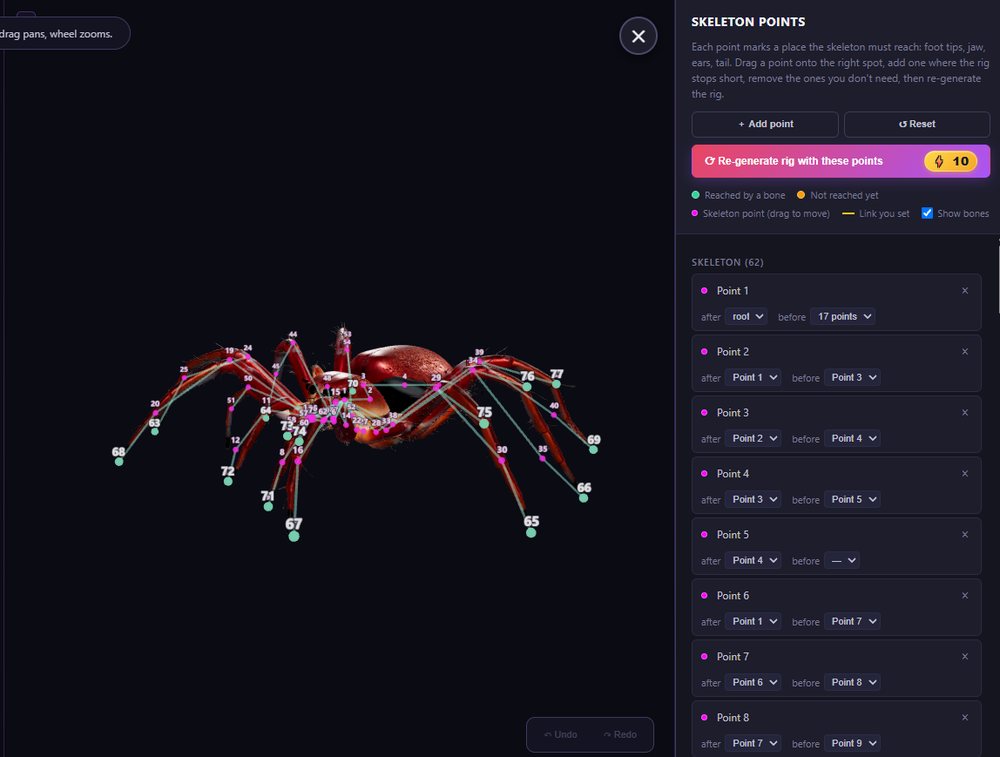
Two legs or eight: the skeleton adapts to the body, and every point stays editable.
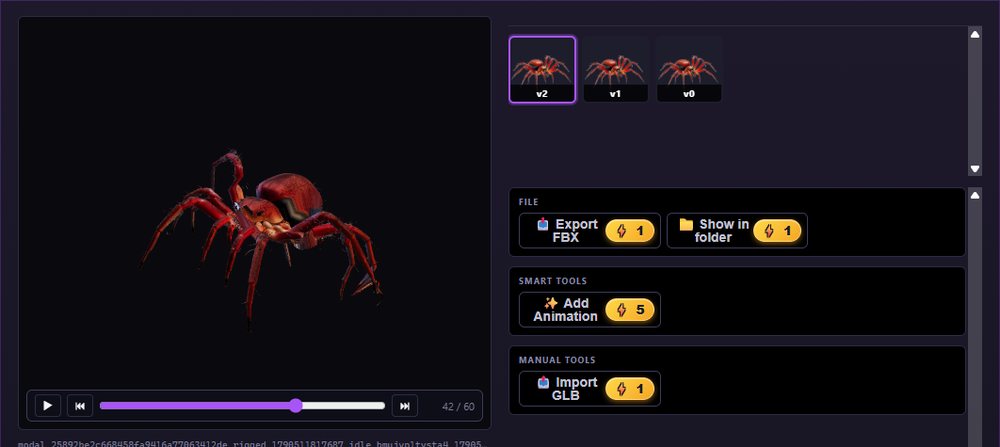
Pick the clips you need. Each clip is saved as a new version you can preview and export.
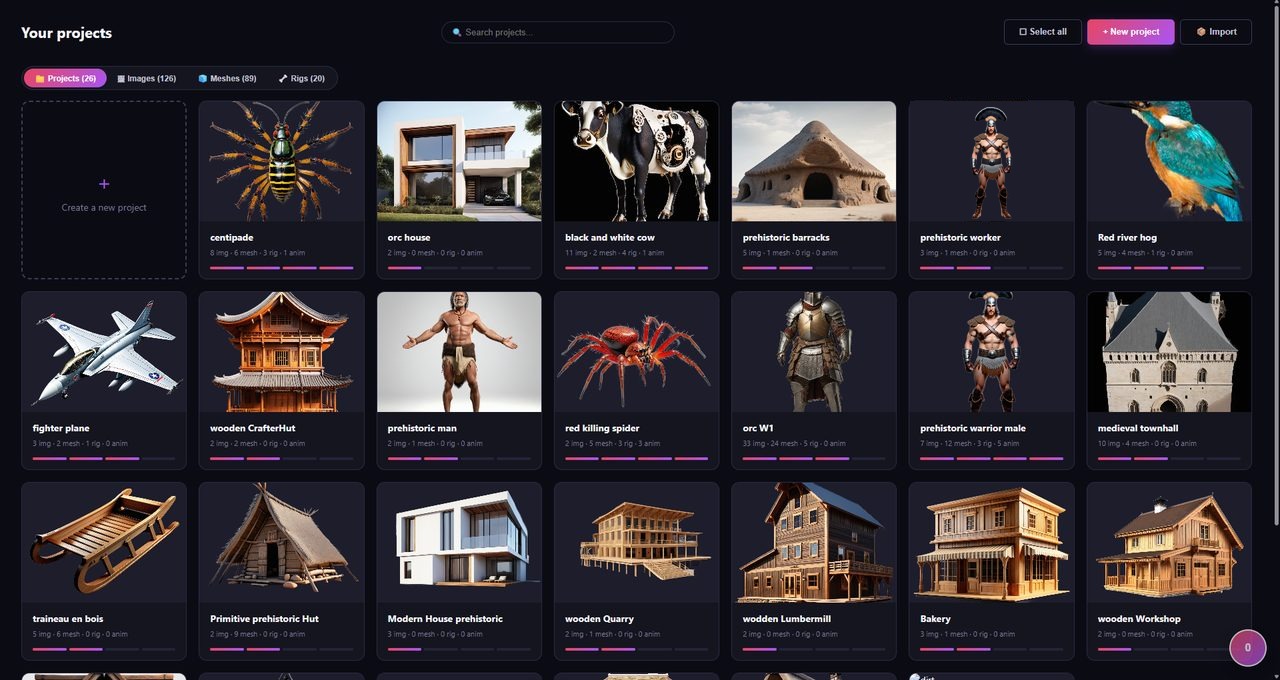
Each character, creature or prop gets its own project, holding all its images, 3D models, rigs and animations.
Open it later and pick up exactly where you left off.
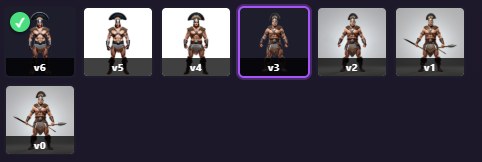
Every generation and every edit is saved as a new version within the project. The original is never overwritten.
Ready for any game engine or 3D tool.
Publish your images, 3D models, rigs and animations for free or at your price, and browse what other creators made. Each month, five paid items are free to claim and keep; their creators are still paid. Paid sales open soon.
Visit the marketplace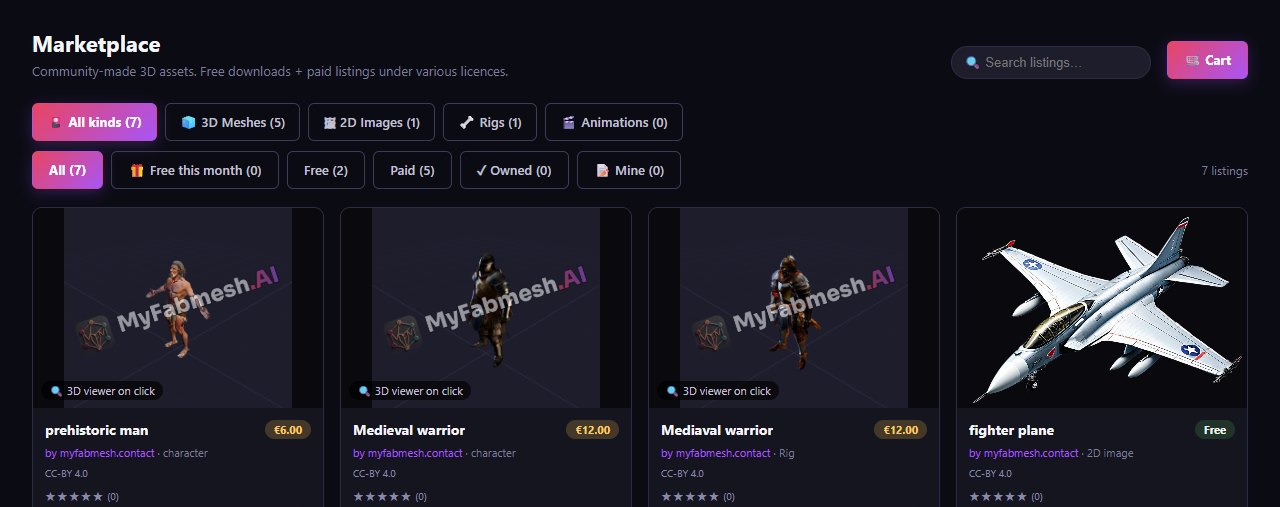
Every payment goes through Stripe: you enter your card on Stripe's secure page, and your card details never reach us.
Payments open soon. Until then, you create with your free credits.
Pick the one that fits your computer.
Not sure your PC is powerful enough? Check it in 5 seconds.
Get it on Microsoft StoreWith an NVIDIA card of 12 GB or more, take the Windows app: generations are unlimited on your card. On any other PC, both work with credits. On a Mac, use the web app.
Yes. In Settings, Assistant, copy the local access key into Claude Code, or connect Claude Desktop in one click. Then just ask, for example “make ten medieval houses and rig the two soldiers”: Claude runs the images, 3D models and rigs in the app for you.
An image costs 1 to 6 credits, a 3D model 8 to 16 depending on quality, a rig 10. Some options and very high triangle counts cost more. The exact price is always shown on the button.
Yes. Your images, 3D models and rigs can be used in your own projects, including commercial ones.
Images: PNG, JPG, WebP. 3D models: GLB, GLTF, FBX, OBJ, STL, PLY. Rigs: GLB, FBX. Animations: FBX. The Unreal preset sets the scale and axes for you.
Your account and projects are stored in the European Union (Frankfurt). Working files and error logs are deleted after 30 days. Delete your account at any time: everything is erased within 30 days. Details in the privacy policy.
A content filter is on by default: it blocks inappropriate requests and checks every image. Only an adult can turn it off, with a PIN code. Every creation has a Report button.
Yes, in cloud mode: the AI runs on our servers and you pay with credits. The same applies to NVIDIA cards under 12 GB.